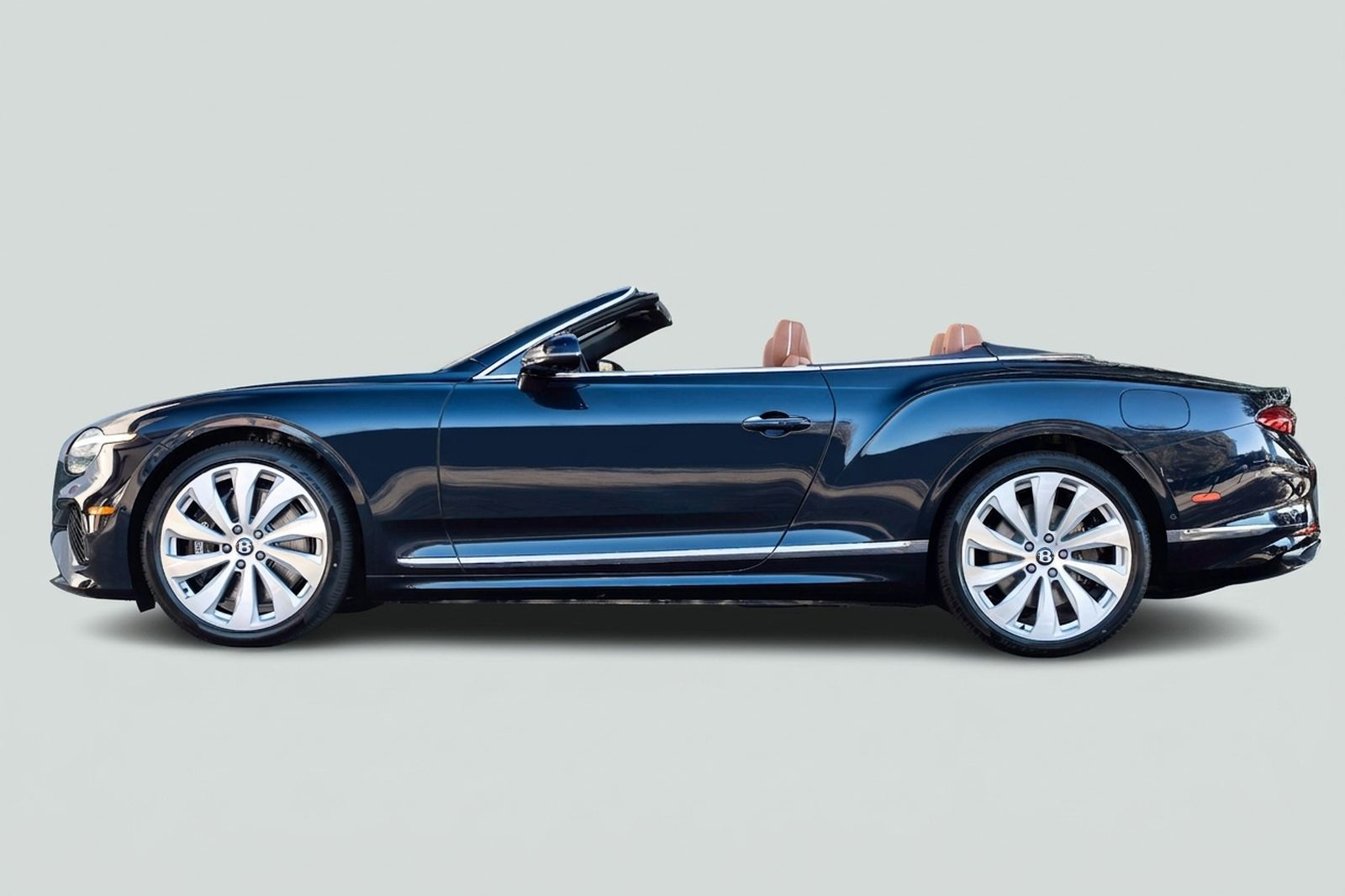
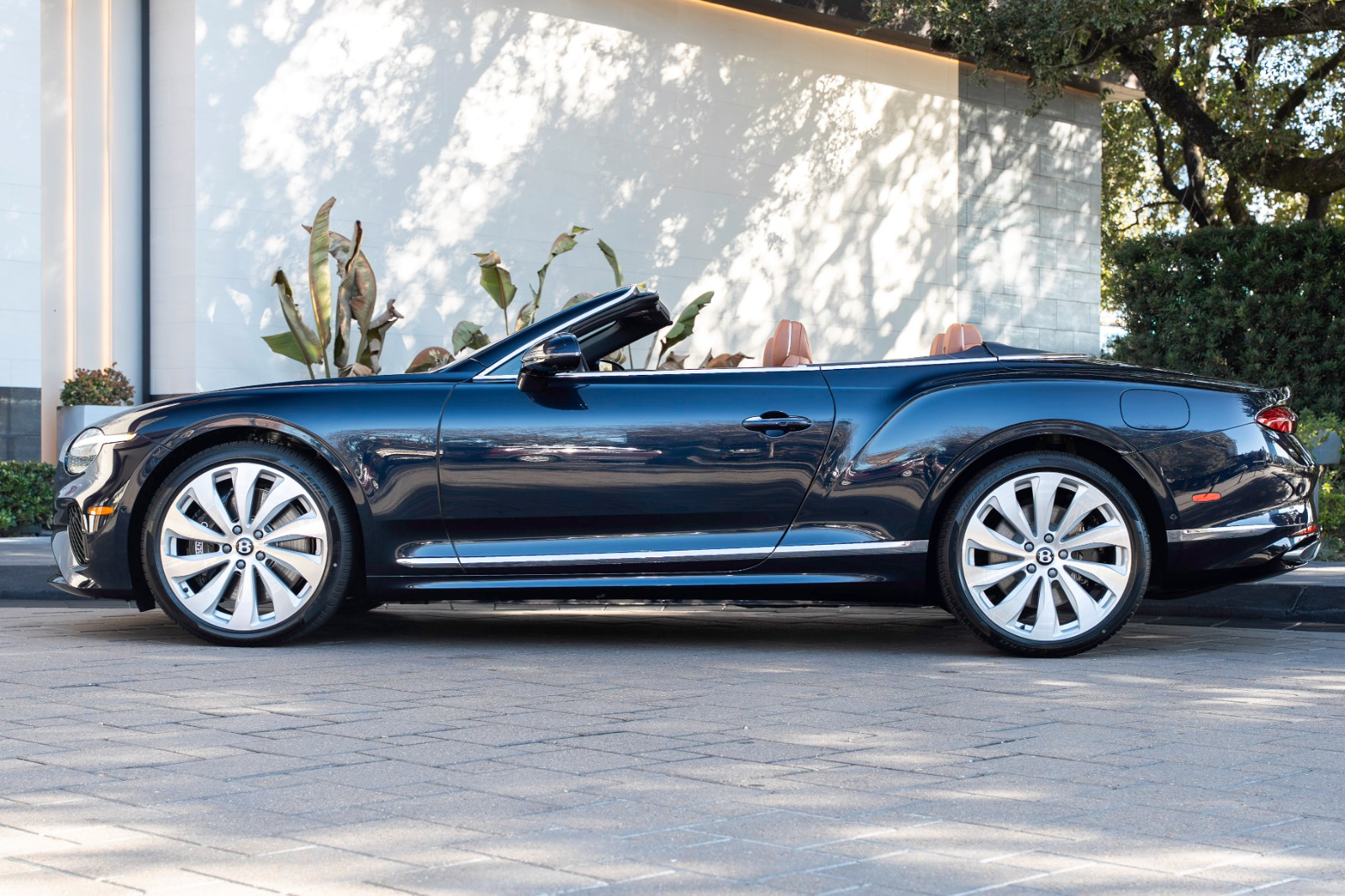
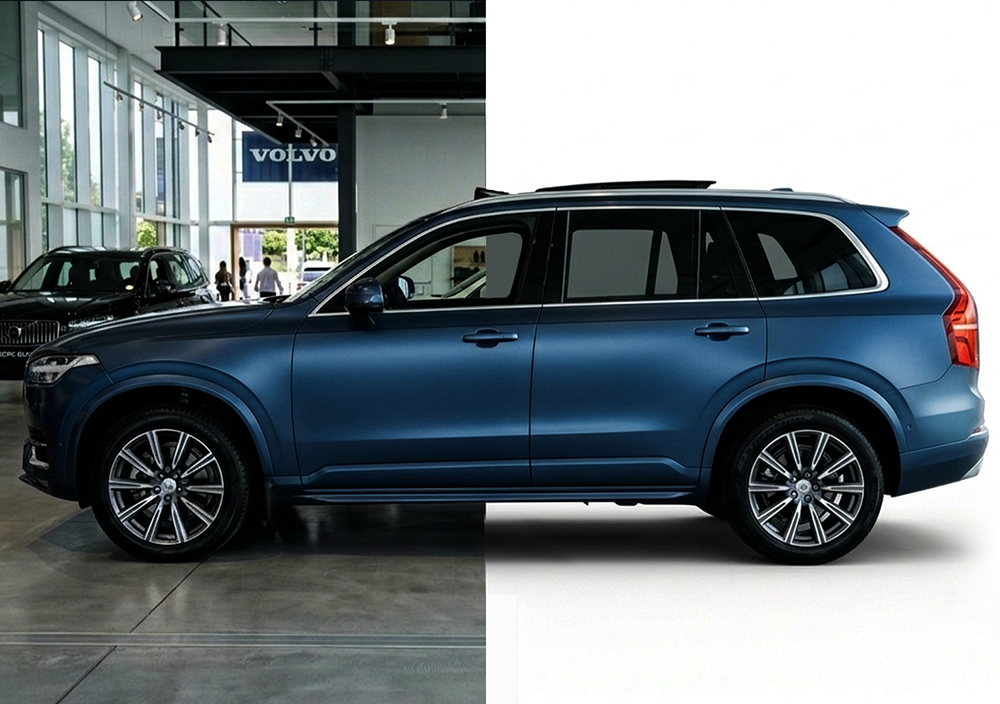
Re-Imagine prepares vehicle photos for dealership listings. Dealership photos often include background clutter, uneven lighting, reflections, or other visual distractions. Re-Imagine removes those distractions and produces clean vehicle photos ready for online listings. Dealership teams can post inventory sooner and keep vehicle photos consistent across their listings.
Photos taken on the lot are rarely perfect. Background clutter, glare, uneven lighting, and nearby vehicles often appear in pictures. Many dealerships wait for reconditioning before posting a vehicle online, which delays listings. Editing photos by hand takes time and is hard to keep up with when inventory is large.
Clean Vehicle Photos, Ready for Listings
Re-Imagine turns raw vehicle photos into clean, consistent listing images automatically. It improves how the vehicle looks in photos while leaving the vehicle itself unchanged. It does not change vehicle condition, pricing, inspection results, or diagnostics.
Why Faster Photos Matter
Even small reductions in listing delays make a difference across large inventories.
Faster time from vehicle arrival to listing
Less time spent editing photos
Consistent photos across inventory
Better first impressions for online buyers
TAKE A PEAK
How It Works
A structured workflow from intake to retail-ready listing.
Step 01
Take Vehicle Photos
Take photos when the vehicle arrives at the dealership.
Step 02
Re-Imagine Cleans the Photos
Background clutter disappears and lighting improves so the vehicle stands out.
Step 03
Listing Photos Are Ready
Clean photo sets are created and ready to publish in listings.
Step 01
Take Vehicle Photos
Take photos when the vehicle arrives at the dealership.
Step 02
Re-Imagine Cleans the Photos
Background clutter disappears and lighting improves so the vehicle stands out.
Step 03
Listing Photos Are Ready
Clean photo sets are created and ready to publish in listings.
Built for Dealership Workflows
Re-Imagine fits into the way dealerships already take vehicle photos. Dealers can post vehicles sooner instead of waiting for reconditioning to finish. It improves photos without affecting inspection, pricing, or appraisal tools.
More than Photo Editing
Re-Imagine is not a consumer photo editing app. It was designed specifically for dealership inventory and vehicle listings. The goal is simple: help dealerships post vehicles online faster with clean, consistent photos.
⇆
100-Year-Old Methodology
RUNNING A TRILLION-DOLLAR INDUSTRY
Frequently Asked Questions
How Re-Imagine Prepares Listing-Ready Photos
Understand what Re-Imagine improves, how it fits into dealership workflows, and what teams can expect when preparing vehicle listings.